
VCX Nano TECHII Emulator
You can emulate a GM TECH II device on a Windows computer using this device, the VCX Nano, and the included TECH2WIN software.
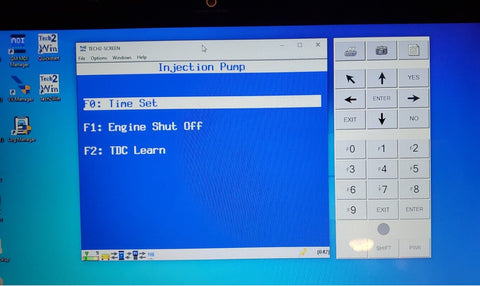
If you want to have a fully fledged bi-directional scan tool for your OBD II 6.5L vehicle, then this is the best option. It's one of the only ways to command both "TIME SET" and "TDCO LEARN" modes as most tools will only do a "TDCO LEARN". However, it also only works with GM vehicles. This tool is also a little annoying to setup and doesn't always work 100% since it's a knockoff.
Use this link to find the VCX Nano results on Amazon:
Limitations
This tool is clunky and can be annoying to get running correctly. We don't recommend it for novice users.
We'd much rather recommend following our Autel scan tool article for most users.